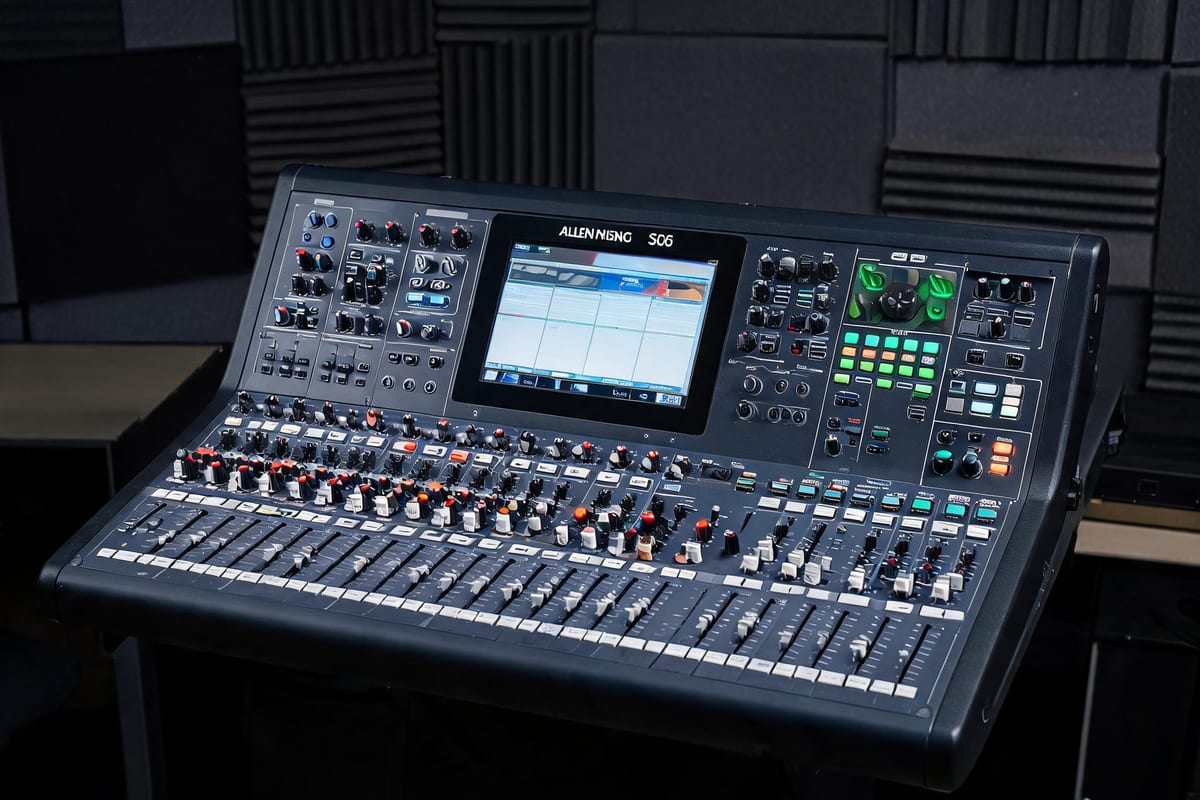
 90% كالجديد
Allen & Heath
Remote tuning support for used KTV audio systems: gain structure, feedback control, DSP presets and lighting scenes set up over a video call, with written settings you can keep.
Remote tuning is effective when the equipment is installed correctly and the signal path is known. It can fix gain structure, feedback, preset levels and lighting scenes. It cannot fix a wrong speaker position, damaged cable or an amplifier that is too small for the cabinets.
Before the call we send a short checklist: model numbers, cable map, amplifier settings and room photos. If something in that list is wrong, we tell you before booking the session rather than charging for a call that cannot solve the problem.
The session uses a video call with the room visible and a second device connected to the DSP or mixer. We walk through input gain, output limits, microphone EQ and feedback control in a fixed order, then test at background, normal and peak levels.
At the end you receive the saved preset and a one-page settings sheet. The sheet matters because staff change settings; a written reference lets the room be restored without another call.
We include one follow-up review after the room has run a real event. Small adjustments after a live session are normal, especially for microphone gain and lighting scenes, and they are easier to make with real feedback than with a test tone.
For rental operators, we can build a small preset library for the room sizes you use most, so each new venue starts from a known baseline instead of a blank processor.
You need the system powered and installed, a video call device, a way to connect to the DSP or mixer, and the pre-call checklist completed. We confirm the connection method before the session.
Yes, as long as the equipment is working and the signal path is documented. We review the checklist first; if the issue is a hardware fault or installation error, we explain what needs to change before tuning.
Yes. Where the processor supports export, you receive the saved preset file plus a one-page written settings sheet. Both are yours to keep and reuse on the same model.
صوت احترافي مستعمل مفحوص، بسعر عادل وشحن عالمي.
90% كالجديد 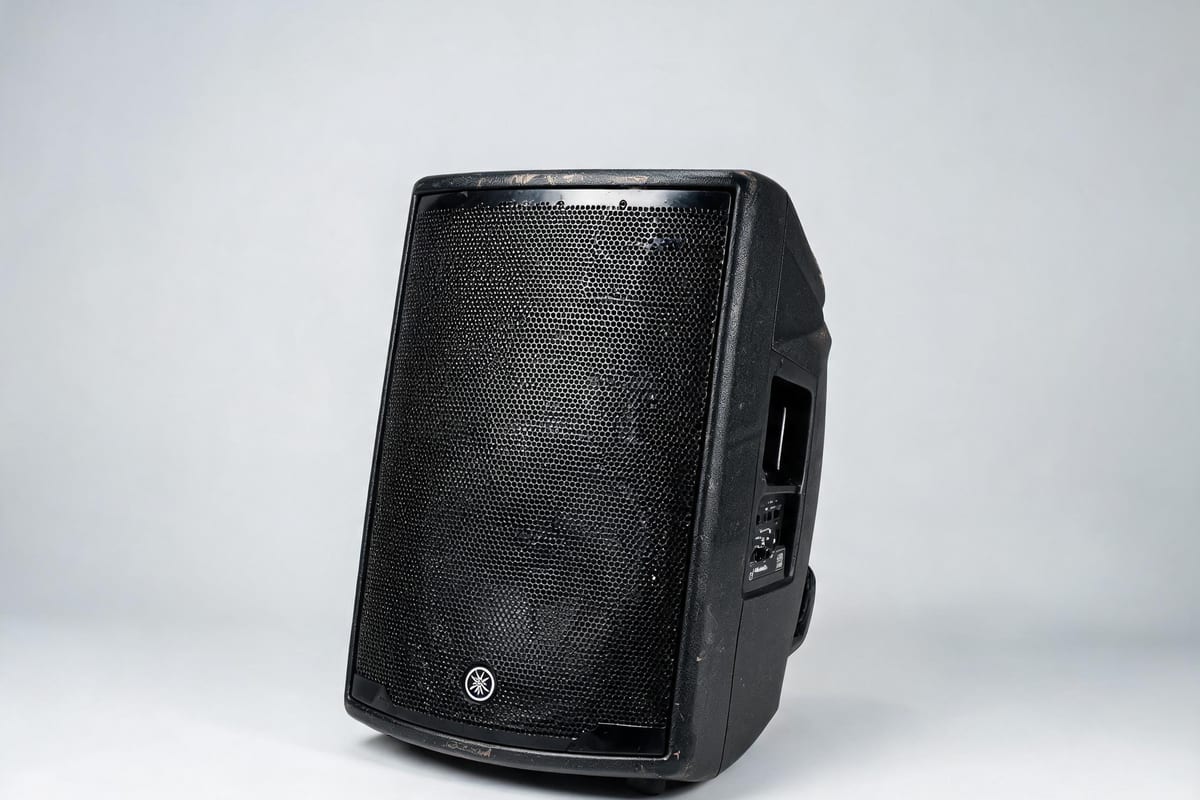 جديد
Remote tuning support for used KTV audio systems: gain structure, feedback control, DSP presets and lighting scenes set up over a video call, with written settings you can keep.